Aoede is a reading app for macOS and iOS that can read EPUB, PDF, and text files aloud while highlighting the current word. I built it because I wanted the reading experience I had seen in subscription products, but for books I already owned and without sending them to a service. The library and speech models stay on the device.
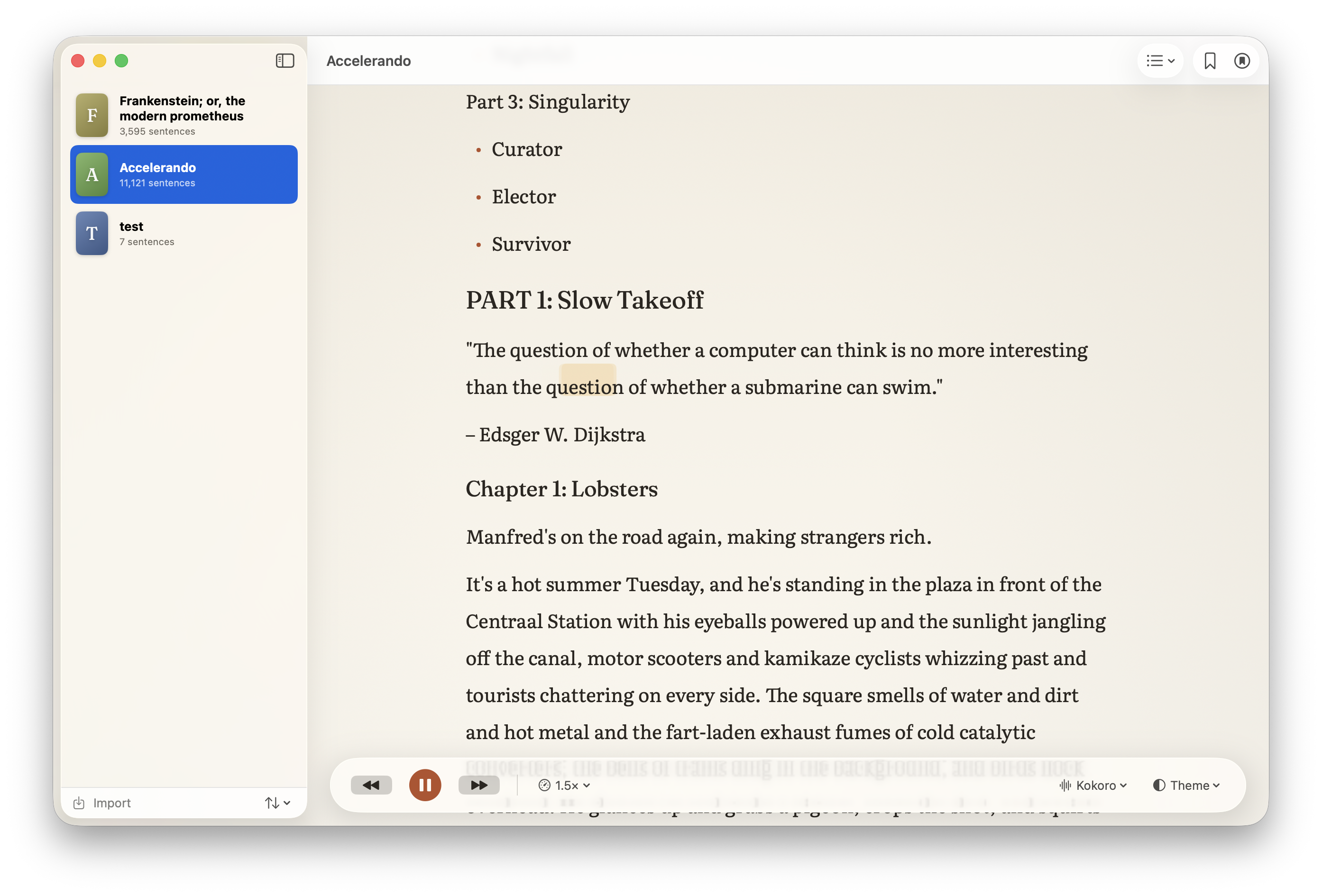 Aoede reading Accelerando with its EPUB structure, synchronized highlighting, and playback controls.
How it works
Importers reduce each supported format to the same model of chapters, paragraphs, and sentences. Speech backends then produce a shared highlight timeline, whether the audio comes from an Apple system voice or Kokoro. That boundary lets the reader follow timing without knowing which synthesizer produced it.
My first Kokoro integration used Core ML through FluidAudio. It crashed on my M5 Mac across the available compute paths, although the same code worked on older Apple silicon. I moved the model to MLX because it worked on the new hardware and exposed per-token timestamps. Those timestamps also made the word highlight more accurate. MLX requires a real Metal device, so the iOS Simulator falls back to Apple speech.
Japanese text uses OpenJTalk for both the spoken reading and generated furigana. Keeping one source for the two prevents the app from displaying one reading while saying another. Author-provided ruby from EPUB and Aozora text takes precedence because an analyzer cannot infer deliberate readings such as 本気《マジ》. A corpus tool called FuriganaQA compares Aoede's output with published ruby and separates generator errors from readings only the author could know.
The current reader uses TextKit 2 inside collection-view cells, one cell per paragraph. An earlier version made every word a SwiftUI view, which offered convenient effects but cost too much for a long chapter. A whole-document TextKit experiment went too far in the other direction and delayed the first page of a long book. Paragraph cells keep TextKit's direct layout access while only realizing content near the screen.
Testing
Aoede's checks cover import, speech timing, pronunciation, and reader behavior. I also run the furigana corpus through the production pipeline rather than testing only hand-picked words. The original SwiftUI reader remains behind a Labs switch for direct comparison while I measure the TextKit version on real books.
Current state
The Mac, iPhone, and iPad apps share the same core. The reader supports English and Japanese, local dictionary lookup, study cards, and a silent reading pacer in addition to speech. I still use it as a personal project. Next I want to finish device measurements for the TextKit reader and decide whether a small TestFlight group would provide useful feedback.